Google Play Store PC
Google Play is Google's digital distribution platform. On Windows, Google offers Play content through the browser and Google Play Games on PC.
52.9 MB

Typing Master is a typing tutor for Windows that teaches touch typing through lessons, tests and games, with a free edition and a paid Pro version.
Average 0.0 · ratings: 0
Thank you! Your rating is saved; you can change it. Could not save the rating. Please try again later. Too many ratings from your network today. Please try again tomorrow. The average appears after 5 ratings.
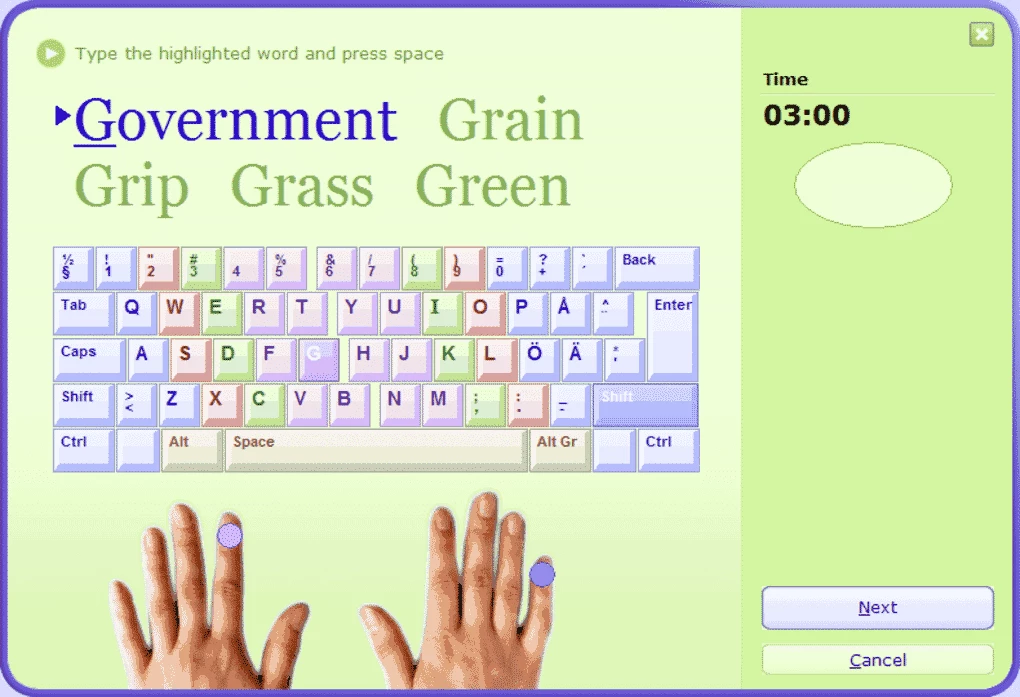
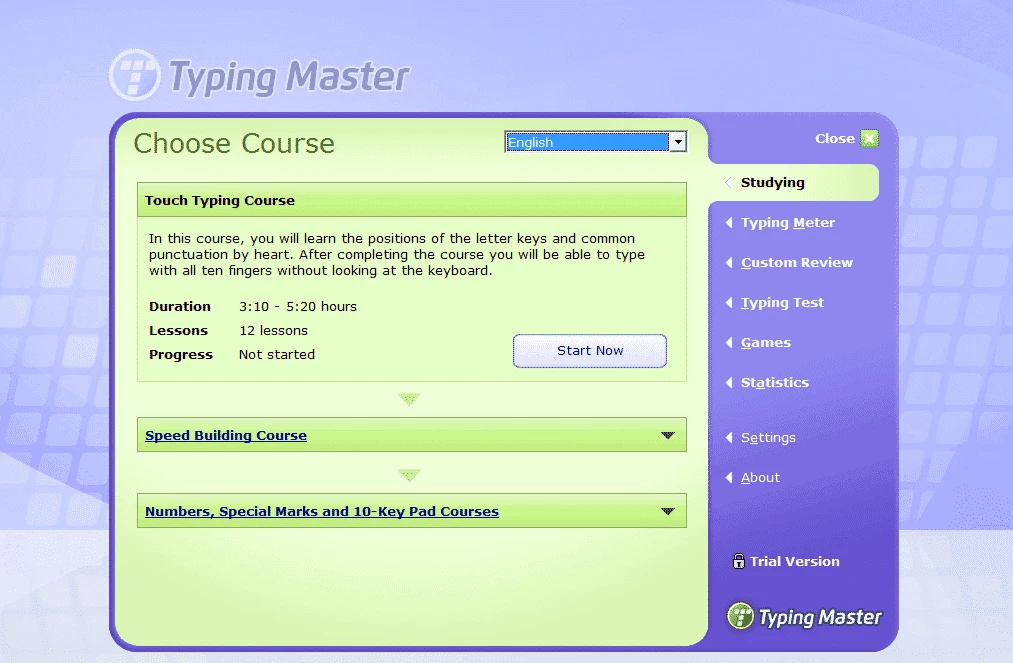
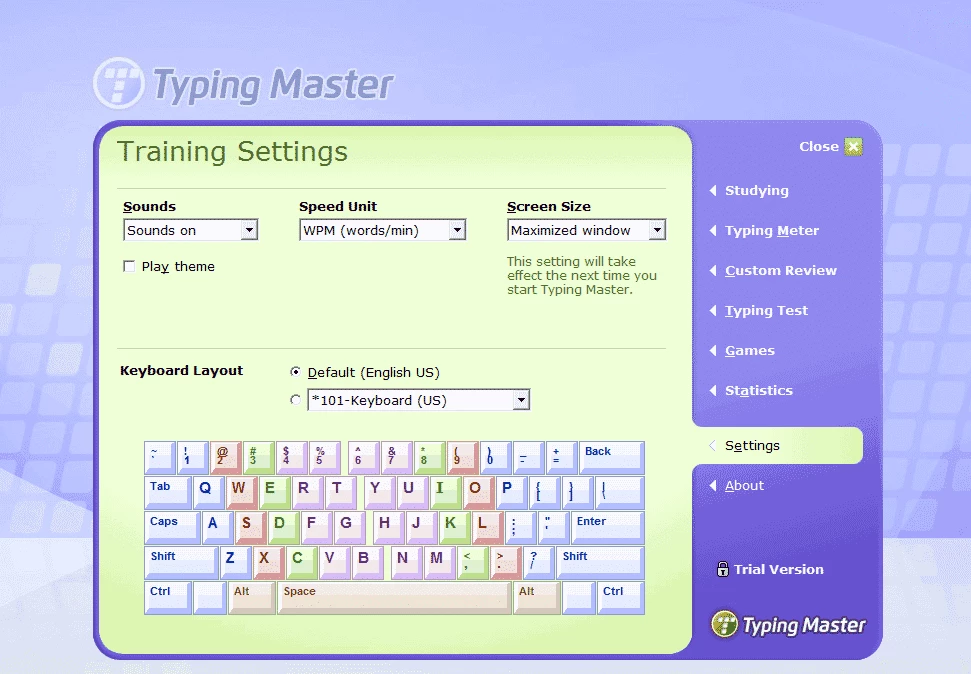
Typing Master 12.0.1 is a touch typing tutor for Windows from Typing Master Inc. You can download it to learn to type with all ten fingers without looking at the keyboard, and to measure how your speed and accuracy improve over the weeks of practice.
Most people who never learned to type properly use two or three fingers and constantly glance at the keys. That works, but it is slow and tiring, and errors pile up. Typing Master follows the classic method: you start from the home row, learn where each finger belongs and move outward key by key. Every lesson combines a short explanation, drills with new keys and exercises built from real words. The program watches which keys you miss or hit slowly and later generates extra practice for exactly those keys, so your weak spots get more attention than the letters you already know. Between lessons you can take typing tests with texts of different difficulty and play small games that train speed in a less serious way. Statistics show your words per minute, accuracy and progress over time, which is good for motivation. Version 12 brought an updated interface; the details are on the developer's release page.
Typing Master is distributed as a demo: the basic course can be used for free, while the Pro version with full content and without limits is a paid licence. Check the current price on the official website before buying.
The developer lists Windows 11/10/8/7 and a signed installer of about 12 MB. Any ordinary PC or laptop will cope; what matters more is a keyboard you are comfortable with.
The official installer is signed by the developer. Avoid "cracked" Pro versions from file-sharing sites: they often contain adware or trojans, and a keyboard-related program is the last place you want malicious code.
Short daily sessions work better than long weekend marathons. Do not chase speed at first: accuracy comes first, speed follows.
Typing tutors are a niche of their own; among general Windows utilities on our site you will find tools like Total Commander and Microsoft Store, from which other learning apps can be installed.
Google Play is Google's digital distribution platform. On Windows, Google offers Play content through the browser and Google Play Games on PC.
Media Creation Tool is a free Microsoft utility that downloads Windows and turns it into a bootable USB flash drive or an ISO file.

LDPlayer is an Android emulator for Windows that runs mobile apps and games on a computer.

BlueStacks is an Android emulator for Windows that lets you run Android apps and games on your PC.
Rufus is a free Windows utility that turns a USB stick into a bootable installer. The current version is 4.15.

PC App Store is a free software store for Windows from Baidu for finding, installing and updating PC programs. This page covers version 5.0.1.8682.

Uptodown App Store for Windows is the desktop client of Uptodown, a marketplace for desktop software and mobile apps. This page covers version 1.0.3.
NoxPlayer is a free Android emulator from Bignox for Windows and macOS that runs mobile games and apps on a computer with keyboard and mouse control.